Skip to content
PEAKMERITTECHNOLOGY
  • Overview
  • Pisces Standard CMM
  • Polaris Classic CMM
  • Gemini High-Precision CMM
  • Libra Ultra-Precision CMM
  • Aries Shop-Floor CMM
  • Taurus Gantry CMM
  • Overview
  • CZ Series Probe Heads
  • CF20 Touch-Trigger Probes
  • SC Scanning Probes
  • MACC Series Controllers
  • CMM Accessories
  • CMM Upgrade & Retrofit
Project Updates
  • Measurement Guides
  • Accuracy Comparison
  • Software Compatibility
  • Installation & Training
  • Technical Support
  • Distributor Cooperation
  • About PeakMerit
  • Our Partners
Discuss Your Project

CMM UPGRADE & RETROFIT SOLUTIONS

Start with Your CMM. Build the Right Upgrade.

Assess your existing frame, electronics and inspection needs before choosing an upgrade — from probe head and scanning capability to controller and software workflow.
REQUEST RETROFIT REVIEW->EXPLORE MACC SERIES->
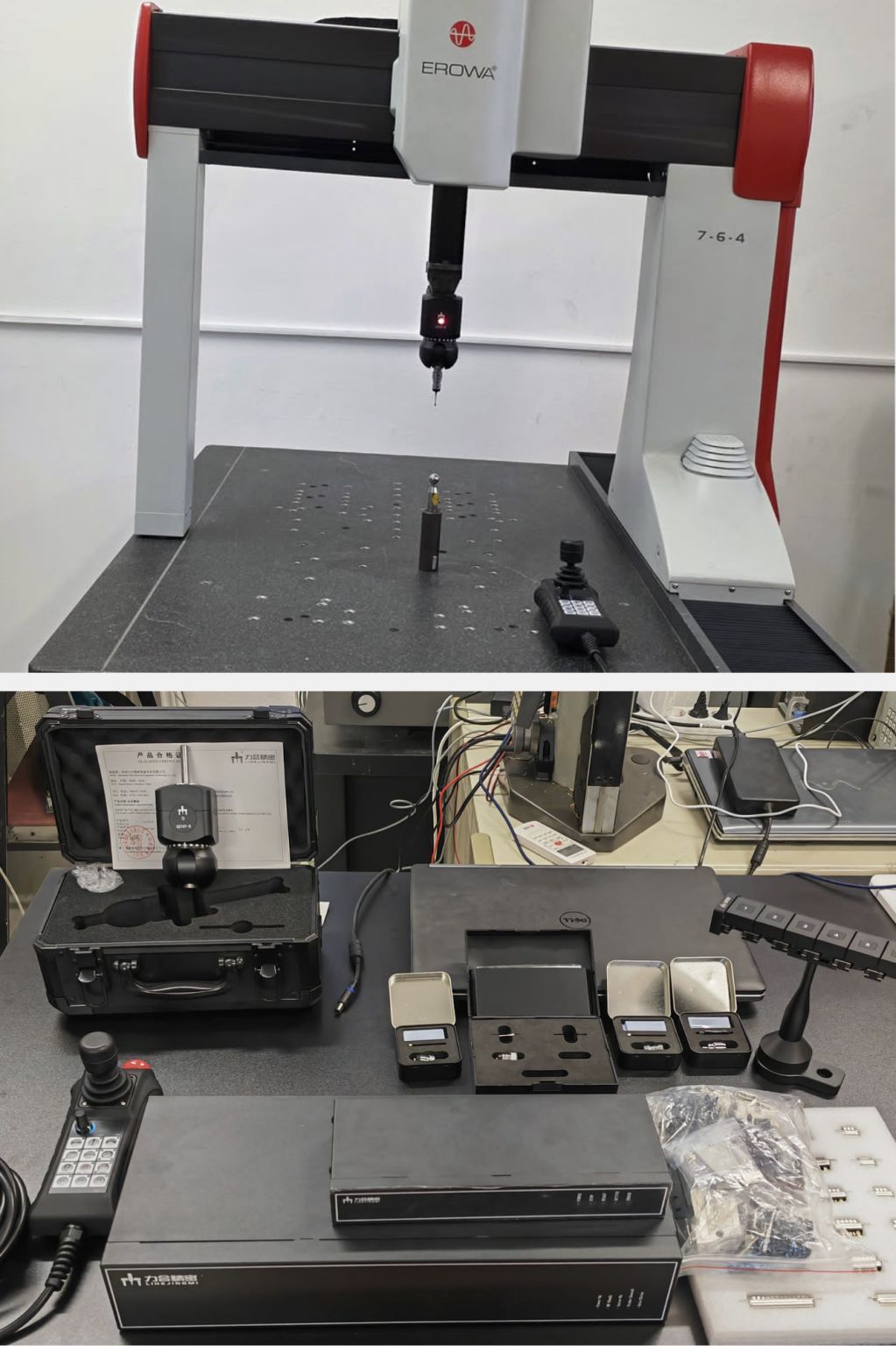
Existing EROWA CMM with probing hardware, alongside controllers, probe modules and accessories
Probing and control hardware with an existing CMM. Explore the related hardware-testing update below.
Assess your machineChoose an upgradeSee hardware & demoPlan delivery

YOUR RETROFIT DECISION

Three decisions before the upgrade.

01

Assess the original machine

Start with the frame, travel, scales, drives and current accuracy. Add controller and probe photos so the review covers the complete system.

See the review checklist →
02

Select probing and control

Match touch-trigger or scanning measurement to your parts, then review the head, controller interfaces and software together.

Compare upgrade paths →
03

Agree the delivery scope

Define installation responsibilities, calibration and acceptance checks, operator training and handover before confirming the project.

Plan the handover →

Keep What Works

Keep your solid frame and structure

Upgrade What Matters

Control, probing, scanning, and software

Compare the Investment

Weigh the upgrade scope against a new system

Plan the Next Step

Review interfaces, software and acceptance targets
COMMON UPGRADE PATHS

1

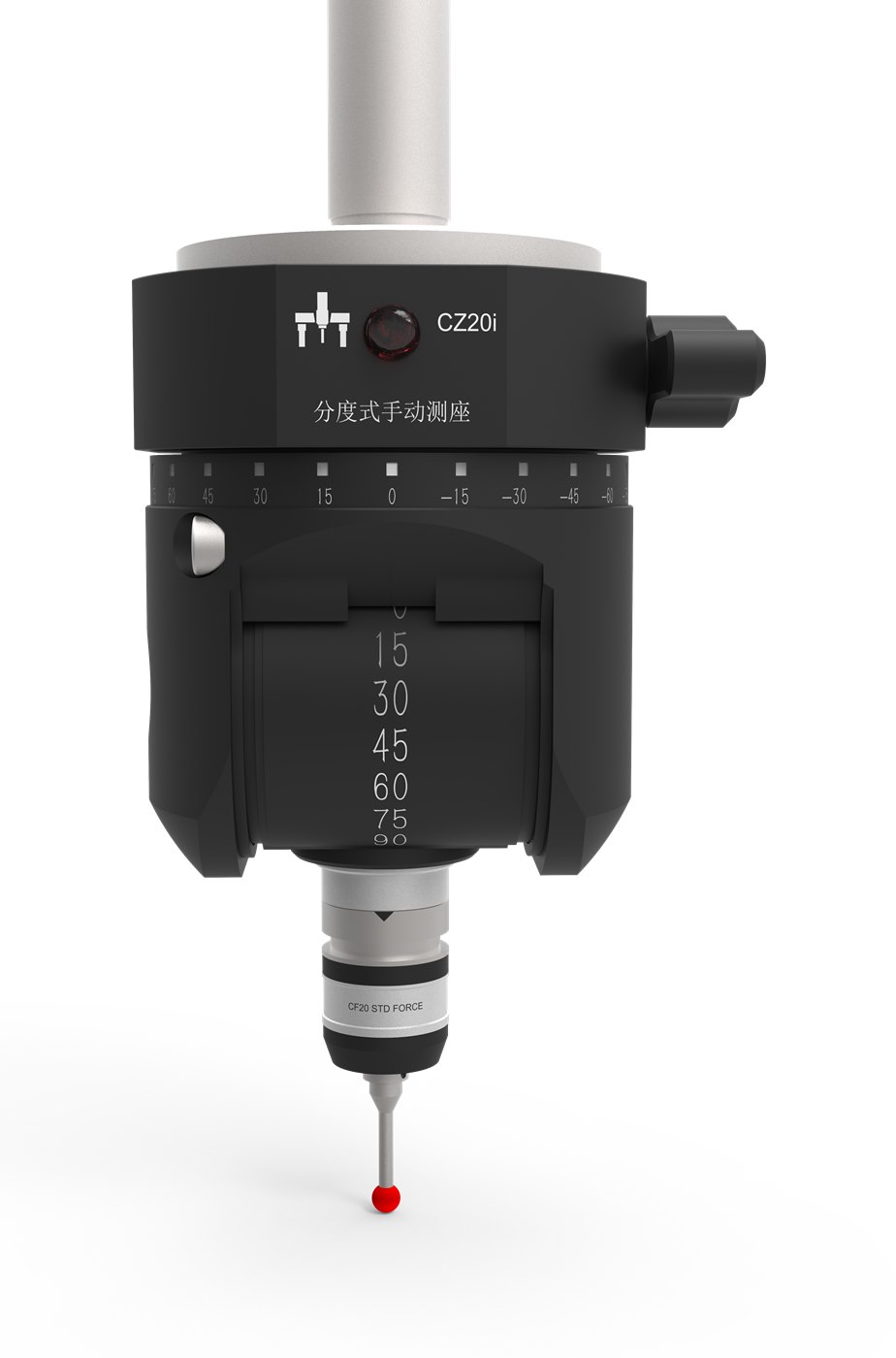
Manual Head to Motorized Head

Manual Head to Motorized Head before->Manual Head to Motorized Head after
  • Faster angle changes
  • Repeatable positioning
  • Higher efficiency

Best for: Multi-side inspection, complex parts, fixtures

View motorized probe heads ->
2

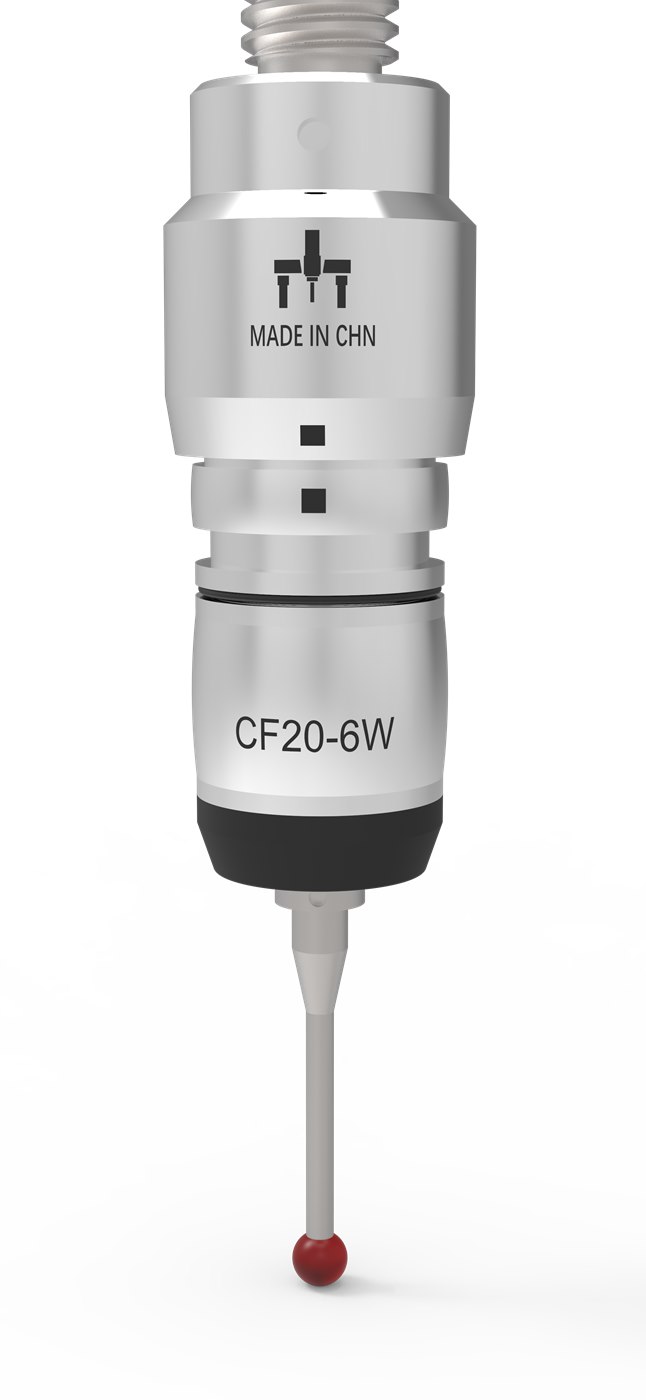
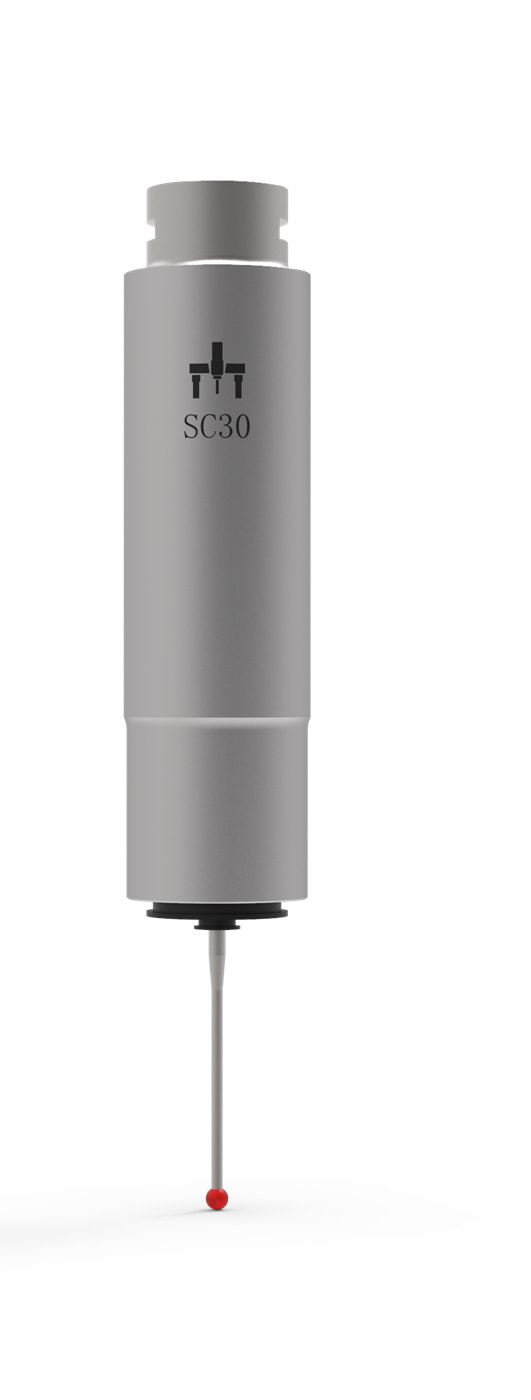
Touch-Trigger to SC30 Scanning

Touch-Trigger to SC30 Scanning before->Touch-Trigger to SC30 Scanning after
  • Continuous scanning
  • Denser data
  • Better form and profile control

Best for: Surfaces, profiles, bores, cylinders, freeform

View SC30 scanning probes ->
3

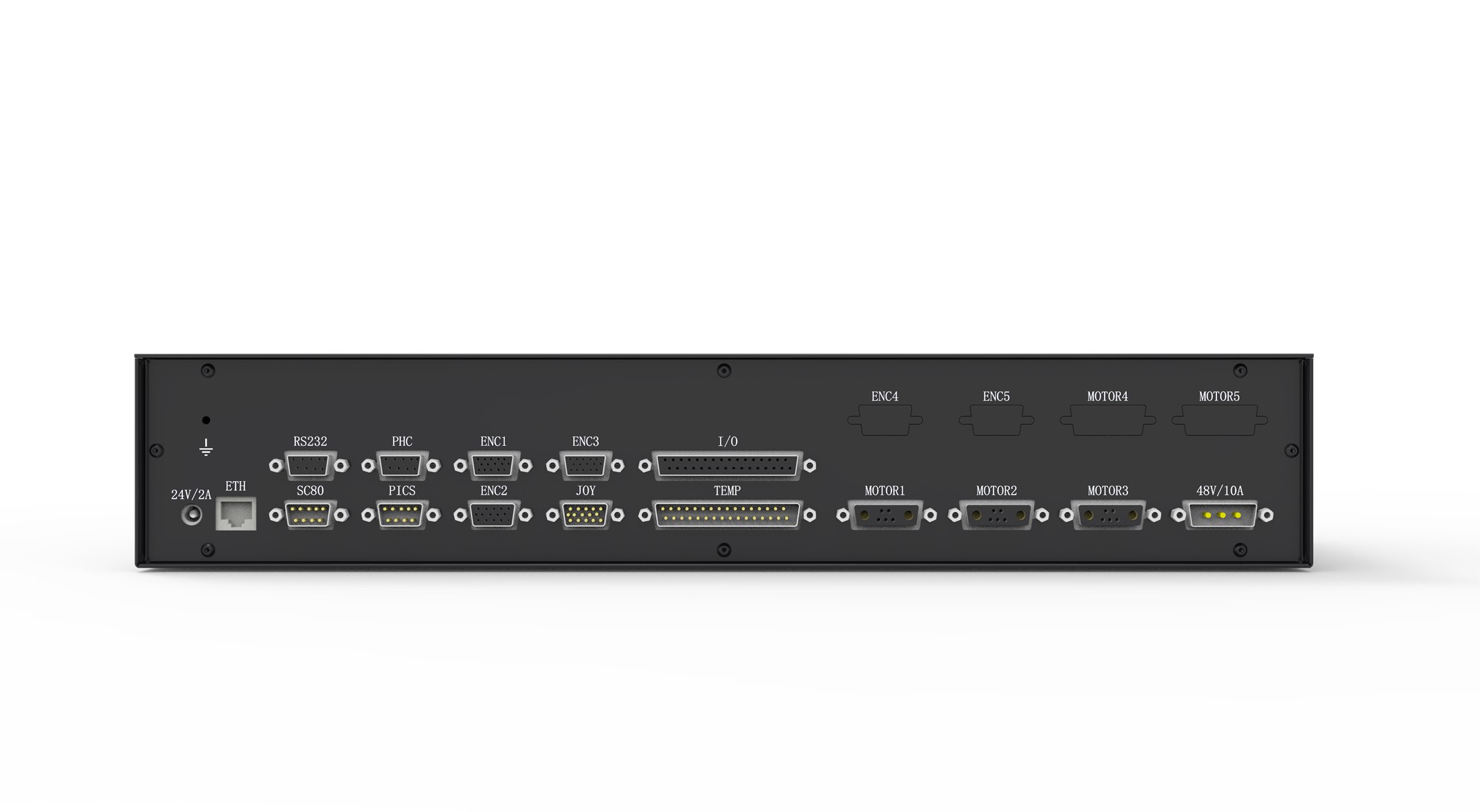
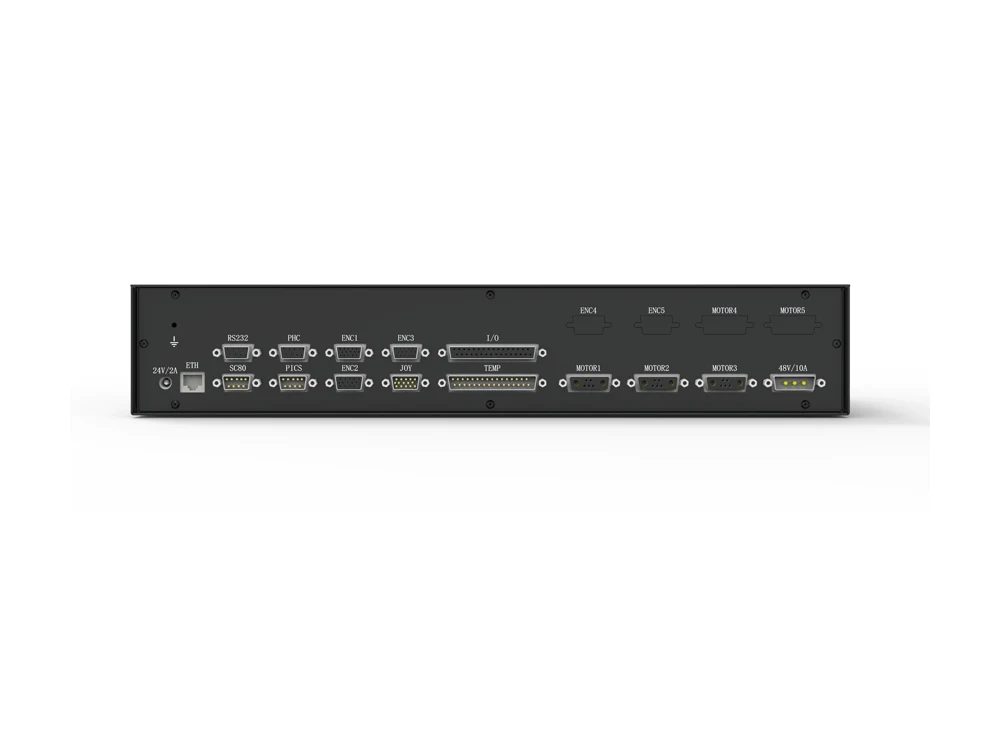
Legacy Controller Retrofit

Legacy Controller Retrofit before->Legacy Controller Retrofit after
  • Modern motion control
  • Joystick operation
  • Improved serviceability

Best for: Aging electronics, unsupported systems
4

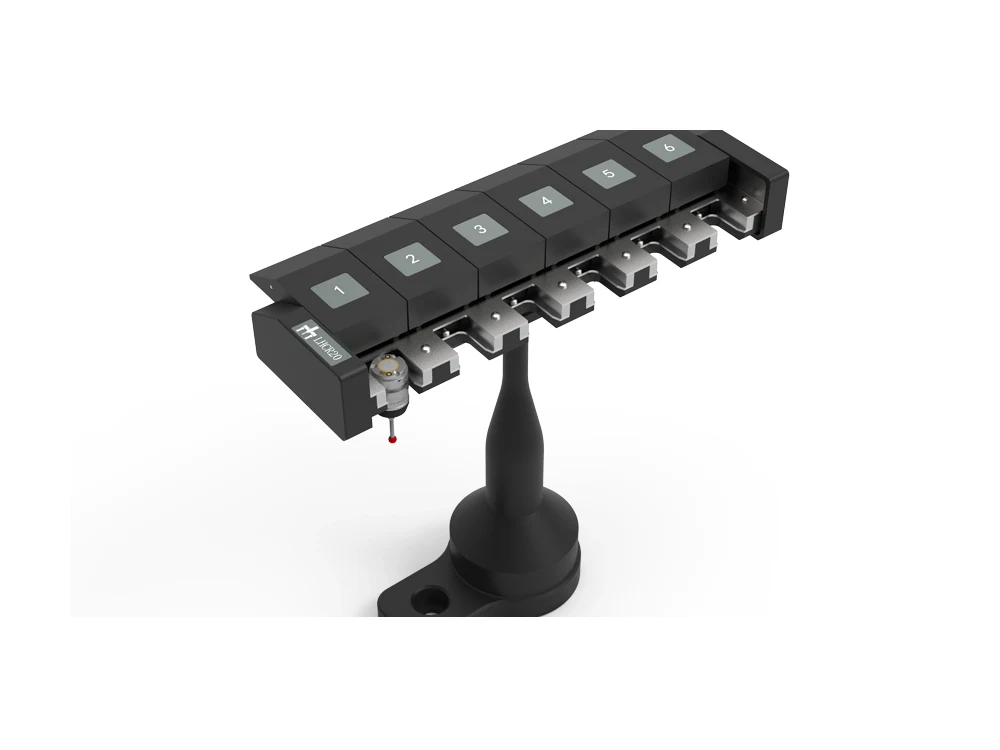
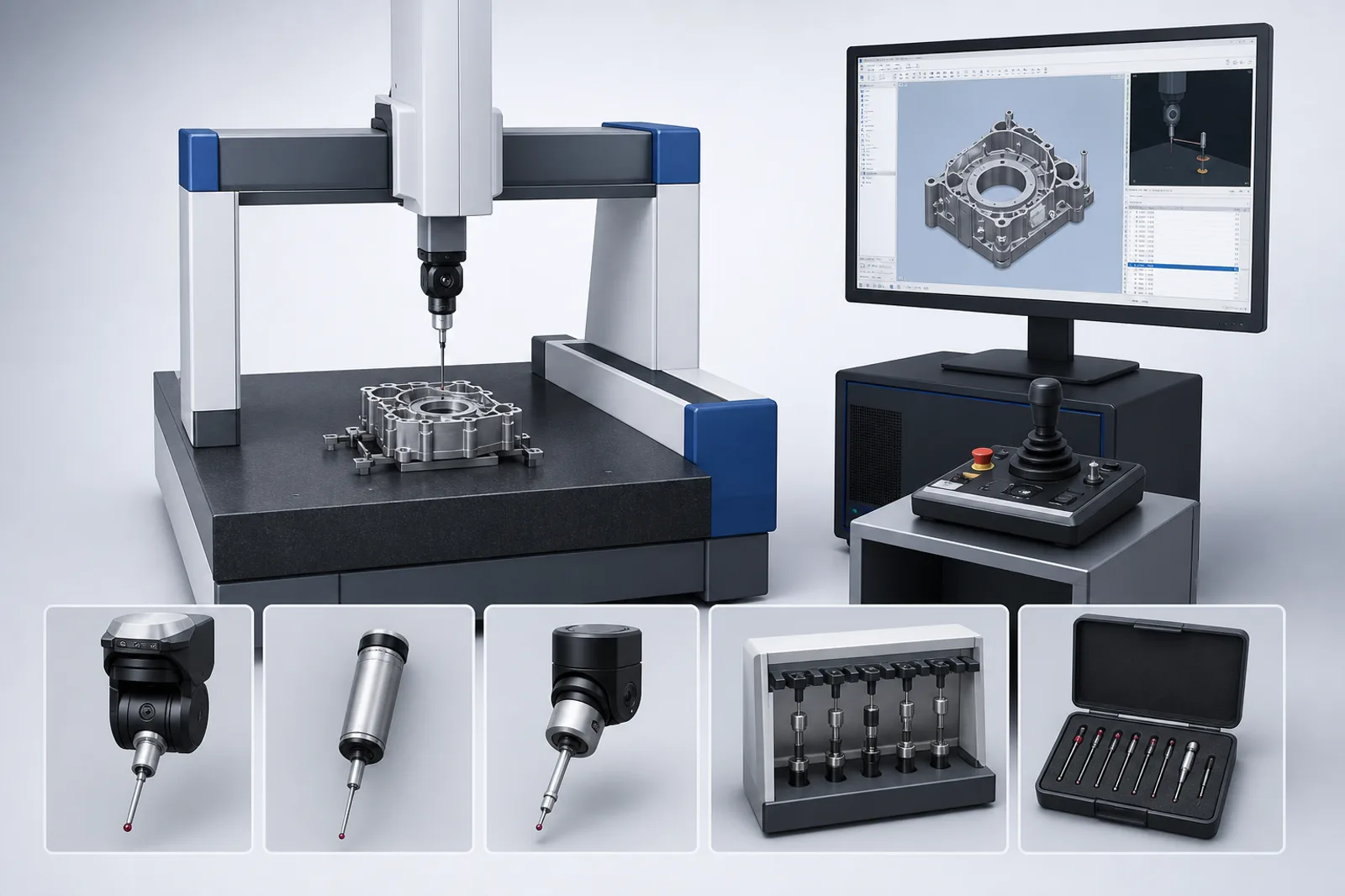
Probe System & Rack Upgrade

Probe System & Rack Upgrade before->Probe System & Rack Upgrade after
  • New probe modules
  • Motorized head options
  • Automatic changing rack

Best for: Multiple parts, frequent probe changes
5

Software Workflow Upgrade

Software Workflow Upgrade
  • Modern user interface
  • Better reporting
  • Program and data management

Best for: Outdated software, manual processes, reporting

Explore CMM-Manager & software options ->

Your measurement workflow

CMM-Manager & more, through I++.

Explore CMM-Manager, PC-DMIS, PolyWorks and Metrolog X4 through IPPServer, or TouchDMIS through a direct MACC connection.

Explore software compatibility →

UPGRADE OUTCOME EXAMPLES

Existing SituationRecommended UpgradeExpected Result
Manual probe head, frequent angle changesMotorized indexing head upgradeFaster multi-angle inspection and reduced operator handling
Touch-trigger only, needs profile dataSC30 scanning path reviewDenser measurement data and better support for form/profile inspection
Unsupported controller electronicsController retrofit packageImproved serviceability, joystick operation, and modern integration path
Old software workflowSoftware and workflow upgradeClearer programming, better reporting, and easier operator training
Reliable frame but limited productivityCombined retrofit package (controller + probe + software)Modernized inspection workflow without replacing the machine

WHAT WE CHECK BEFORE RECOMMENDING A RETROFIT

  • Machine frame condition (guideways, structure, travel)
  • Scales, drives, and motors
  • Controller and wiring
  • Probe head and interface
  • Software and communication
  • Accuracy target and acceptance

RETROFIT PROJECT FLOW

  1. 1

    Send Photos & Information

    Machine photos, nameplate, controller, probe setup, software, issues

  2. 2

    Compatibility Review

    Frame, drives, controller path, probe interface, software, accuracy target

  3. 3

    Upgrade Plan & Proposal

    Recommended upgrade path, scope, timeline, and quotation

  4. 4

    Installation & Integration

    Agree who handles on-site installation, wiring, integration and operator training before work starts

  5. 5

    Acceptance & Handover

    Agree calibration and acceptance checks, required documentation and the operator handover

WHEN RETROFIT MAKES SENSE

Good Retrofit Fit

  • Mechanically sound frame
  • Useful travel and load capacity
  • Limitation is controller, probing, software, or workflow
  • Accuracy target can be met after retrofit

xNot Recommended

  • Damaged frame or guideways
  • Required accuracy cannot be achieved
  • Machine size no longer fits parts
  • Site conditions cannot support target uncertainty

WHAT TO SEND US

  • Full machine photos (front, sides, table, probe area)
  • Nameplate / Model / Travel
  • Controller cabinet photos
  • Probe head & module photos
  • Software screen (if available)
  • Current issue & pain points
  • Target parts & inspection needs

You can also email machine photos, cabinet photos, probe setup photos, or drawings to liu@peakmerittechnology.com

HARDWARE IN CONTEXT

Look at the hardware. Watch the probing.

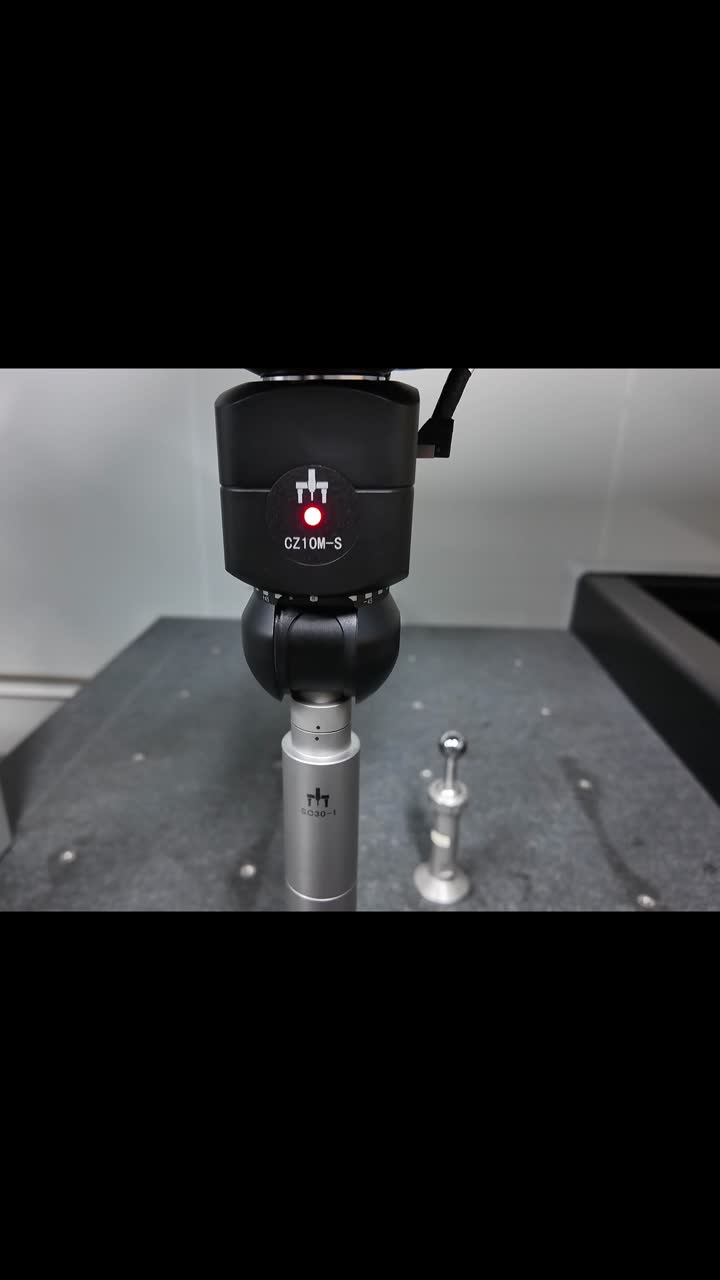
The hardware-testing update brings together an existing CMM, probing components and control electronics. The separate calibration-ball demonstration shows the scanning setup in operation.

Use these examples to discuss your application. Compatibility and the final acceptance target need a review of your machine.
View hardware-testing updates →Watch the scanning demonstration →Review MACC controllers →
CZ10M-S head and scanning probe next to a calibration ballView calibration-ball scanning demo ↗

INSTALLATION & HANDOVER

Make the responsibilities clear.

Confirm the delivery scope with PeakMerit and the installer or service partner selected for your project.

Explore installation and support planning →
  • Site and accessMachine condition, air supply, environment and installation access.
  • Integration and checksWiring, motion, probe qualification, calibration and agreed acceptance criteria.
  • Training and recordsOperator workflow, handover documents and the contact responsible for follow-up support.

EXPLORE RELATED PEAKMERIT SOLUTIONS

CMM Machines

Compare a retrofit with a new Pisces, Polaris, Gemini, Libra, Aries, or Taurus CMM system.

Compare CMM Machines ->

Probing and Controllers

Review probe heads, touch-trigger and scanning systems, controllers, racks, joysticks, and accessories.

View Probing Options ->

Distributor Program

See how metrology distributors and CMM service companies can add retrofit and component packages.

Discuss Partnership ->

COMMON QUESTIONS

Can my manual probe head be upgraded to a motorized head?

Often yes. Compatibility depends on the current probe interface, controller path, clearance, and software workflow.

Does a retrofit restore the original machine accuracy?

Not automatically. Final accuracy depends on frame condition, calibration, compensation, environment, and acceptance criteria.

Can a touch-trigger CMM be upgraded to scanning?

Sometimes. SC30 scanning review depends on controller compatibility, machine condition, probe interface, software, and target throughput.

When should I buy a new CMM instead of retrofitting?

Choose a new CMM when the frame is damaged, the travel is too small, the site cannot support the target accuracy, or the retrofit cost no longer makes sense.

Can an old CMM controller be replaced without replacing the frame?

That is a common retrofit path when the mechanical frame is sound and the limitation is electronics, motion control, joystick operation, or serviceability.

How long does a typical retrofit project take?

Timing depends on review scope, compatibility, parts, installation access, calibration, and acceptance requirements.

Have an Existing CMM to Modernize?

Send machine model, travel, controller photos, probe setup, current issue, and target inspection workflow for a retrofit review.

REQUEST RETROFIT REVIEW->Include the machine model and current setup.
PEAKMERITTECHNOLOGY

CMM systems, probing packages, controllers, and retrofit solutions for manufacturers, quality labs, and metrology distributors.

Direct-manufacturer value with U.S.-based commercial support.

About PeakMerit →

  • Application-FocusedRight machine for your parts
  • Defined SpecificationsModel and probing configuration
  • Complete SolutionsMachine, probe, controller & more
  • Project SupportApplication review and coordination

CMM Machines

  • Compare CMM Models
  • Pisces Standard CMM
  • Polaris Classic CMM
  • Gemini High-Precision CMM
  • Libra Ultra-Precision CMM
  • Aries Shop-Floor CMM
  • Taurus Gantry CMM

Probing & Controllers

  • Probing & Controllers Overview
  • CZ Series Probe Heads
  • CF20 Touch-Trigger Probes
  • SC Scanning Probes
  • MACC Series Controllers
  • CMM Accessories
  • CMM Upgrade & Retrofit

Resources & Support

  • Measurement Guides
  • Accuracy Comparison
  • Software Compatibility
  • Installation & Training
  • Technical Support

Projects & Partners

  • Project Updates
  • Our Partners
  • Distributor Cooperation

Contact

PeakMerit Technology LLCLos Angeles, California, USA

liu@peakmerittechnology.com
+1 (810) 223-6315

Response within one business day.

Request CMM Quote
© 2026 PeakMerit Technology LLC. All rights reserved.Specifications and accuracy values are confirmed in final quotation and acceptance documentation.Privacy settings|Privacy Policy|Terms of Use